
Read beyond a single day
Open a station’s record, explore its monthly normals and dated extremes, and inspect a year day by day.
Free utilities · Science
Read the long record.
Compare the seasons.
Explore weather history.
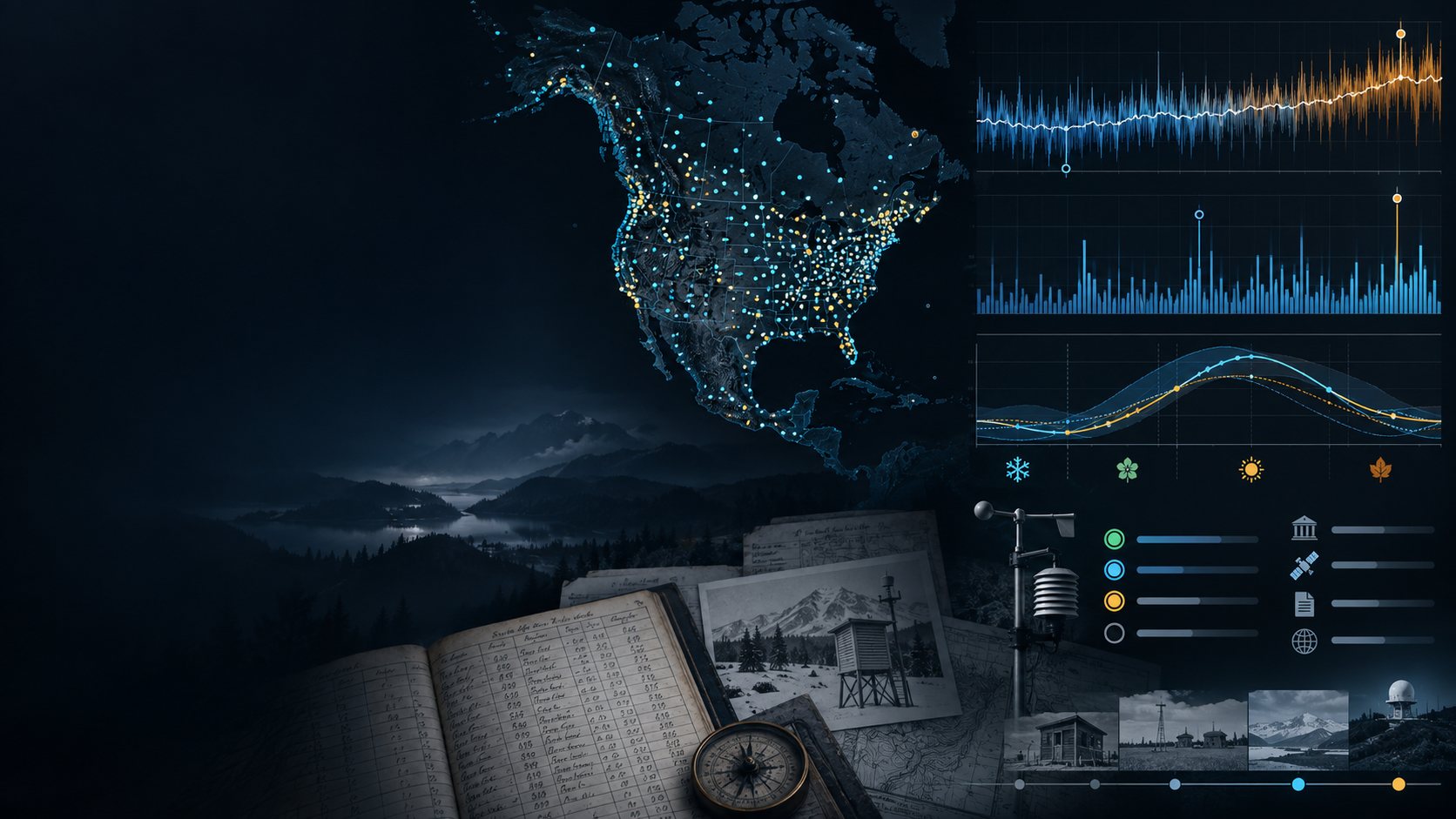
The long view of weather
Explore historical observations, climate normals and long-term trends without advertising.
Open a station’s record, explore its monthly normals and dated extremes, and inspect a year day by day.
Read the station’s data-through date and period of record. Missing values stay missing and incomplete periods are marked.

Find the station
Search a U.S. station by name or state, or enter coordinates to find nearby stations. Coverage includes U.S. stations and territories.
Read the station’s record period and data-through date. Keep favourites and recent stations on your device for easy return.
What you can explore
Follow the station record at the level of detail you need.
Search by station name or state. Enter coordinates to find nearby stations and choose the record you want to explore.
Review the station’s 30-year climate averages. Compare monthly normals to understand its seasonal pattern.
Read all-time and monthly records together with the dates on which they were set. Keep an extreme connected to its station history.
Explore changes across a station’s record, with the limits of the trend explained alongside it.
Choose a year and inspect its daily historical observations. See the detail behind a summary.
Choose a calendar date to explore what happened on that day across the station’s history. Missing observations remain visible as gaps.
Find the warmest, coolest, wettest and snowiest years, with the relevant record period kept in view.
Line up station normals side by side. Keep each station’s coverage and data-through date connected to the comparison.
Switch temperatures between Celsius and Fahrenheit, and precipitation between millimetres and inches. Read explanations for station names and abbreviations.
Save favourite stations and recent stations on your device. Return to a station as you explore a region or its seasons.
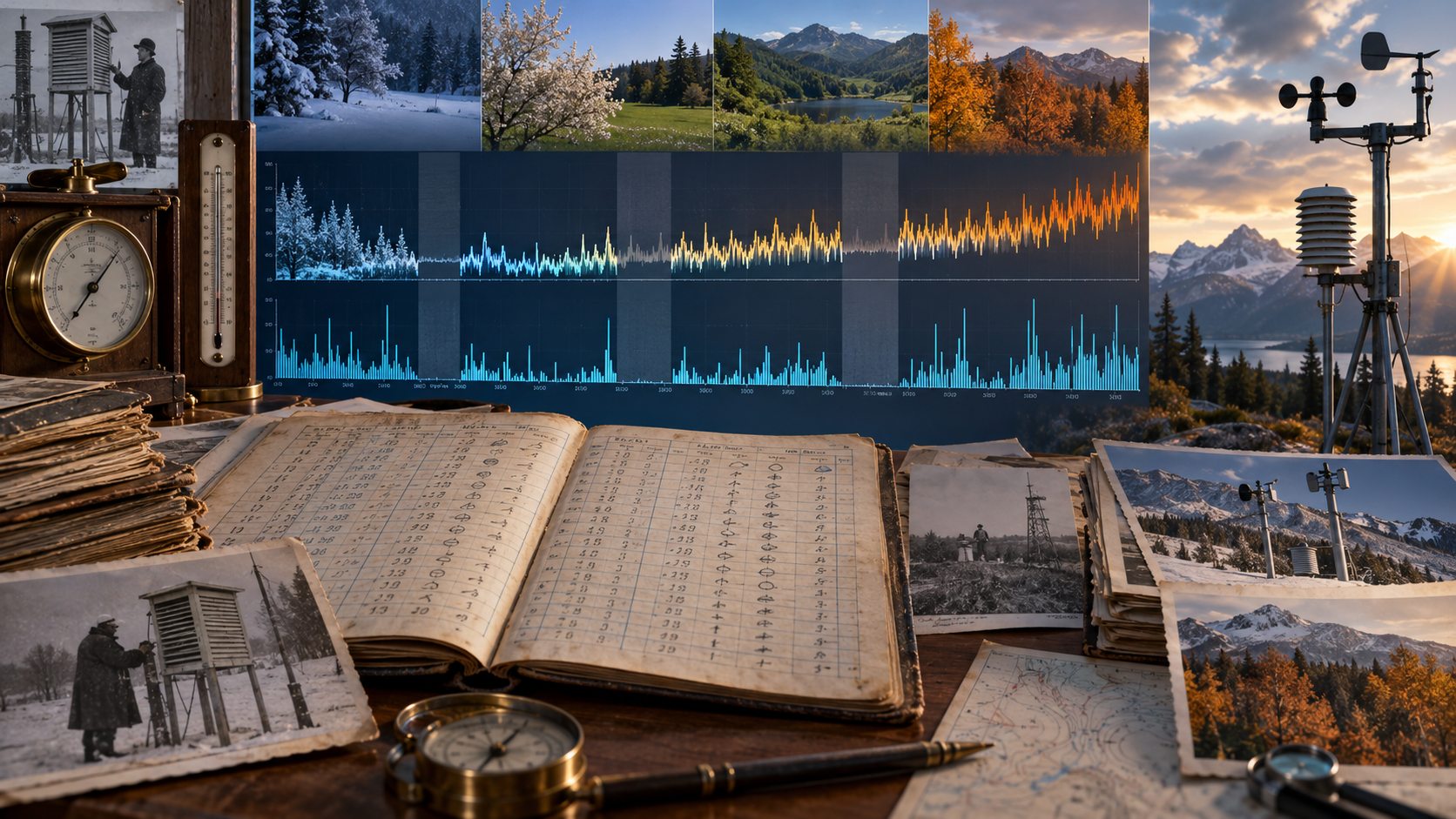
Historical observations
Explore all-time and monthly records with their dates. Find the warmest, coolest, wettest and snowiest years within a station’s history.
Open a year day by day or choose a calendar date in history. Long-term trends show their limits alongside the observations.
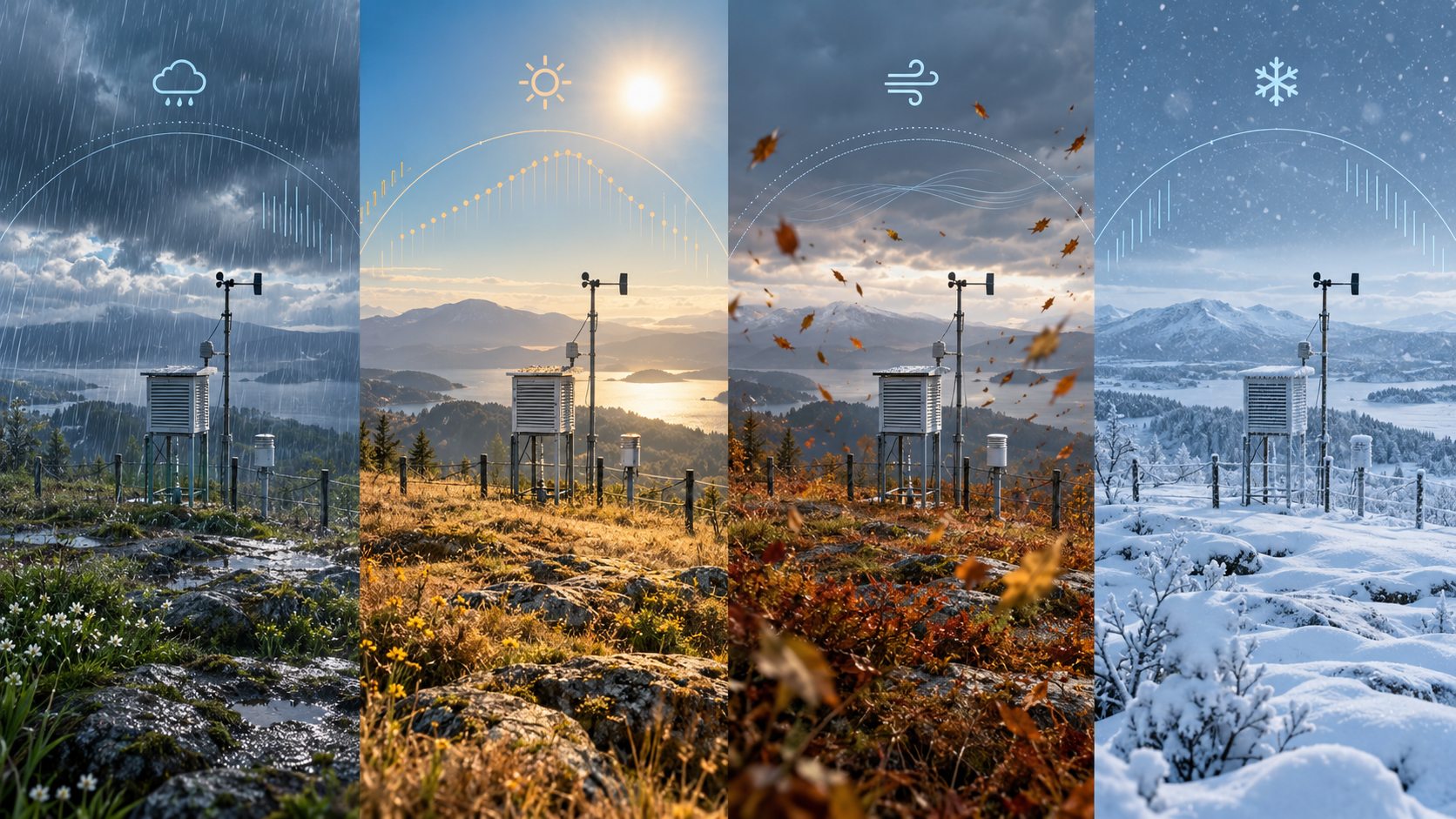
Climate normals and station comparison
Read monthly normals for 1991-2020 and compare up to four stations side by side. Keep station coverage and dates close to the comparison.
Choose Celsius or Fahrenheit and millimetres or inches. Station names and abbreviations are explained as you read.
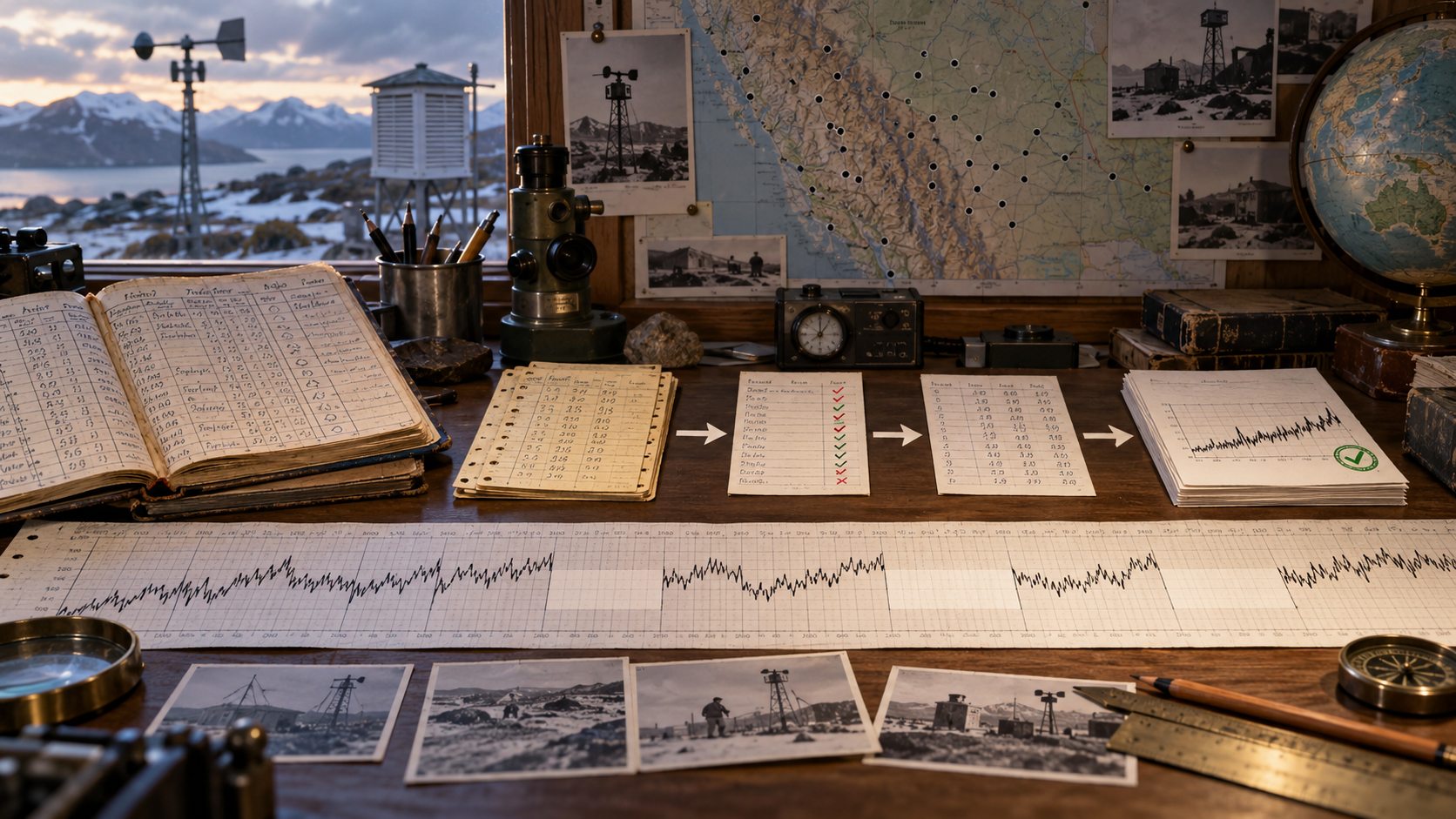
Sources and completeness
NOAA NCEI GHCN-Daily and U.S. Climate Normals 1991-2020 supply the historical station records and normals. VISINVOKE serves these U.S. Government data with source credit and dates.
Missing values stay missing. Months and years with too many absent observations are marked incomplete, and trend limits are explained.
Explore the record
Move from the station to the detail behind its weather history.
Search by name or state, or use coordinates for nearby stations. Read its coverage and data-through date.
Explore monthly normals, dated records and extreme years. Choose a year or a calendar day for closer inspection.
Line up normals from up to four stations and use the temperature and precipitation units you prefer.
Keep favourites and recent stations on your device. Review source credit, gaps and trend limits as you read.
Part of VISINVOKE
Explore the products around Climate Explorer.

Open your VISINVOKE products through a signed-in Windows desktop workspace.

Explore the VISINVOKE collection of tools for everyday tasks and personal interests.
Illustrations show weather stations, record keeping and climate patterns. They are not application screens or measured observation charts.
Questions and answers
Coverage, normals, units, missing observations and source credit.
Historical weather and long-term climate for U.S. weather stations and territories. Station coverage varies; some long records reach back to 1849. Each station shows its data-through date.
Climate Explorer explores historical observations and 30-year averages. It does not provide forecasts or current conditions.
The normals are the U.S. Climate Normals for 1991-2020, a 30-year reference period. Monthly normals help show the station’s seasonal pattern.
Missing values stay missing. Months and years with too many missing days are marked as incomplete rather than counted as complete periods. Trend limits are explained.
NOAA NCEI GHCN-Daily and the U.S. Climate Normals 1991-2020. These U.S. Government records are served by VISINVOKE with source credit and dates shown.
Climate Explorer is a free VISINVOKE utility with your account on Windows and Android. Get Desktop Control Centre for Windows through your account installer page.
Continue in VISINVOKE
Create a free VISINVOKE account or sign in to your existing account. Climate Explorer is a free utility for Windows and Android.
Get Desktop Control Centre for Windows through your account installer page and open your VISINVOKE utilities.